> ## Documentation Index
> Fetch the complete documentation index at: https://docs.tracecat.com/llms.txt
> Use this file to discover all available pages before exploring further.
# Basic
> Authenticate into self-hosted Tracecat with basic email-and-password sign-in: configure user accounts, password policies, and admin bootstrap for small deployments.
In production, use OIDC or SAML SSO. Basic auth is meant for local development only.
## Overview
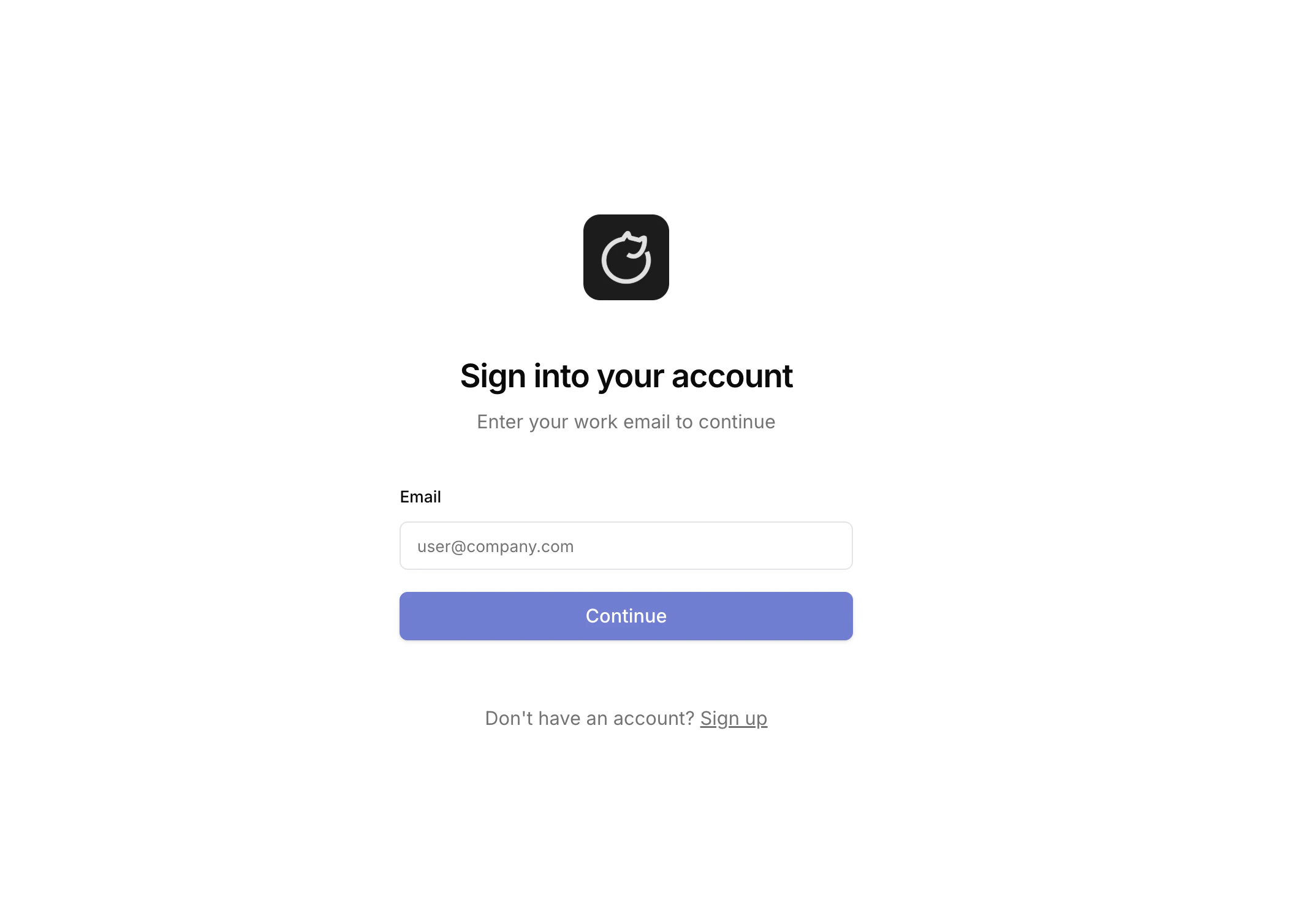
Basic auth lets you sign in to Tracecat with an email and password.
 ## Configuration
In your `.env` file, enable the basic auth type:
```bash theme={null}
TRACECAT__AUTH_TYPES=basic
```
You can also combine auth types if you need to:
```bash theme={null}
TRACECAT__AUTH_TYPES=basic,oidc
```
## First login
Set the first superadmin's email before anyone signs in. Until it is set, nobody can register, and the first account must match it. It takes one case-sensitive email address, so use the exact casing your identity provider sends.
| Deployment | Setting |
| :-------------- | :--------------------------------------------------------------------------- |
| Docker Compose | `TRACECAT__AUTH_SUPERADMIN_EMAIL` in `.env` |
| AWS ECS Fargate | `TF_VAR_auth_superadmin_email`, or `auth_superadmin_email` in your `.tfvars` |
| Kubernetes | `tracecat.auth.superadminEmail` in `values.yaml` |
* Basic auth: sign up with that email, then log in.
* SSO: log in through your identity provider. Tracecat creates the account on first login.
The account becomes superadmin and owner of the default organization.
## Minimum password length
When you use basic auth, your password must be at least
`TRACECAT__AUTH_MIN_PASSWORD_LENGTH` characters long. The default minimum is `12`.
## Change password
Password changes go through the API with the session cookie. Sign in with `POST /auth/login`, then send the new password to `PATCH /users/me`:
```bash theme={null}
curl https:///api/auth/login \
--request POST \
--cookie-jar cookies.txt \
--data-urlencode "username=user@example.com" \
--data-urlencode "password="
curl https:///api/users/me \
--request PATCH \
--cookie cookies.txt \
--header "Content-Type: application/json" \
--data '{"password": ""}'
```
Wrong credentials fail at login with `400` and `LOGIN_BAD_CREDENTIALS`. A password shorter than `TRACECAT__AUTH_MIN_PASSWORD_LENGTH` fails with `400` and the code `UPDATE_USER_INVALID_PASSWORD`.
A superadmin resets another account's password with the same body at `PATCH /users/{user_id}`, and a non-superadmin session gets `403`. Accounts created by OIDC or SAML sign-in hold a generated password and authenticate at the identity provider, so reset those there.
## Related pages
* See [User management](/manage-platform/users) for registration, invitations, and organization membership.
## Configuration
In your `.env` file, enable the basic auth type:
```bash theme={null}
TRACECAT__AUTH_TYPES=basic
```
You can also combine auth types if you need to:
```bash theme={null}
TRACECAT__AUTH_TYPES=basic,oidc
```
## First login
Set the first superadmin's email before anyone signs in. Until it is set, nobody can register, and the first account must match it. It takes one case-sensitive email address, so use the exact casing your identity provider sends.
| Deployment | Setting |
| :-------------- | :--------------------------------------------------------------------------- |
| Docker Compose | `TRACECAT__AUTH_SUPERADMIN_EMAIL` in `.env` |
| AWS ECS Fargate | `TF_VAR_auth_superadmin_email`, or `auth_superadmin_email` in your `.tfvars` |
| Kubernetes | `tracecat.auth.superadminEmail` in `values.yaml` |
* Basic auth: sign up with that email, then log in.
* SSO: log in through your identity provider. Tracecat creates the account on first login.
The account becomes superadmin and owner of the default organization.
## Minimum password length
When you use basic auth, your password must be at least
`TRACECAT__AUTH_MIN_PASSWORD_LENGTH` characters long. The default minimum is `12`.
## Change password
Password changes go through the API with the session cookie. Sign in with `POST /auth/login`, then send the new password to `PATCH /users/me`:
```bash theme={null}
curl https:///api/auth/login \
--request POST \
--cookie-jar cookies.txt \
--data-urlencode "username=user@example.com" \
--data-urlencode "password="
curl https:///api/users/me \
--request PATCH \
--cookie cookies.txt \
--header "Content-Type: application/json" \
--data '{"password": ""}'
```
Wrong credentials fail at login with `400` and `LOGIN_BAD_CREDENTIALS`. A password shorter than `TRACECAT__AUTH_MIN_PASSWORD_LENGTH` fails with `400` and the code `UPDATE_USER_INVALID_PASSWORD`.
A superadmin resets another account's password with the same body at `PATCH /users/{user_id}`, and a non-superadmin session gets `403`. Accounts created by OIDC or SAML sign-in hold a generated password and authenticate at the identity provider, so reset those there.
## Related pages
* See [User management](/manage-platform/users) for registration, invitations, and organization membership.